
Removing Backgrounds from Images: From ImageMagick Hacks to Modern AI
Back in 2012 and 2013, I used hacky ImageMagick bash scripts to isolate image backgrounds. Here is how modern background removal works today with real before and after comparisons using AI models, rembg, WebGPU, and native OS tools.

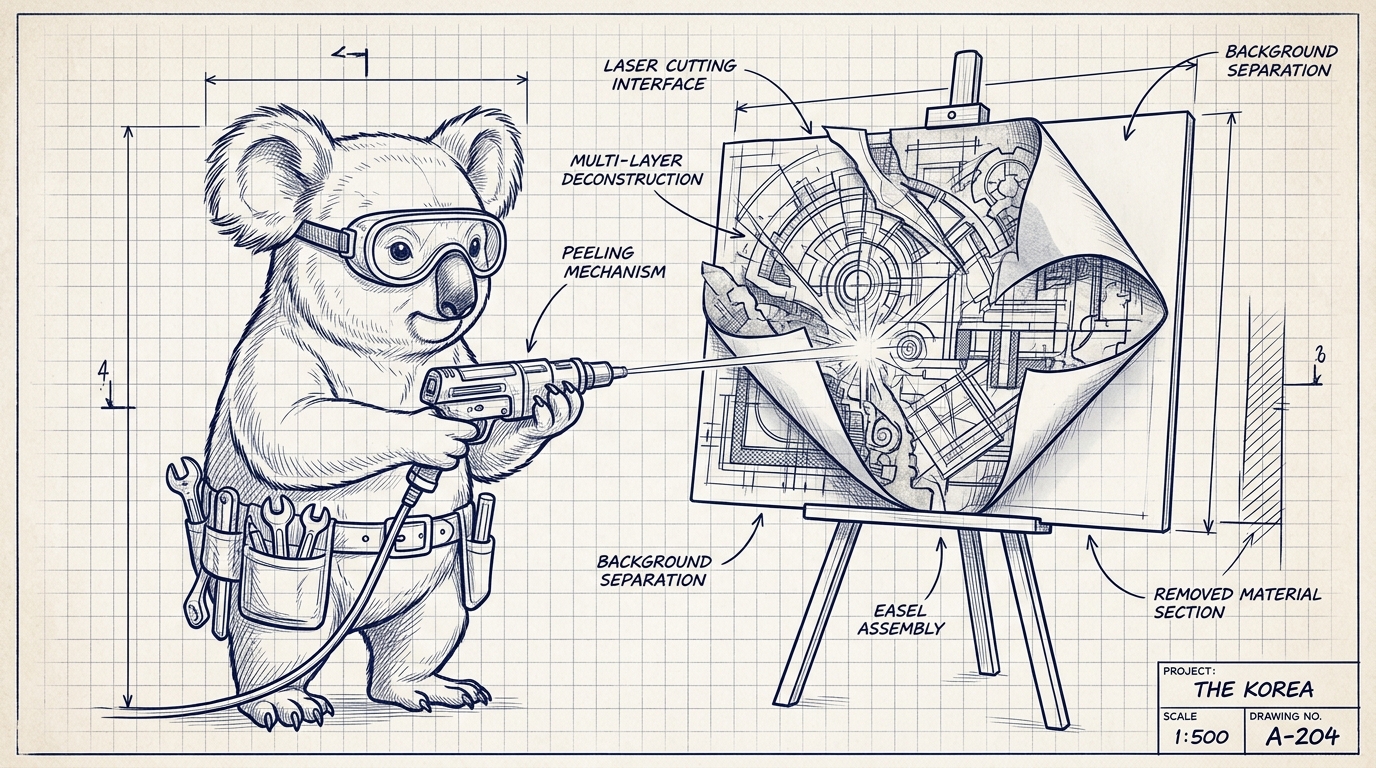
Over a decade ago, I published two of the most popular quick-fix posts on this blog:
- Removing backgrounds from images with 2 commands and a freeware (2012)
- Removing background from image with ImageMagick - revisited (2013)
Back then, I was slicing website mockups without Photoshop. If I needed a transparent logo or asset from an EPS file or a stock photo with a solid background, ImageMagick was my weapon of choice.
The technique involved computing an alpha difference mask, extracting opacity, and—because the subject would lose density—literally cloning the image 20 times in a loop and flattening it:
# The 2013 hack that got the job done
convert input.png \( +clone -fx 'p{0,0}' \) -compose Difference -composite -modulate 1,0 diff.png
convert input.png diff.png -compose Copy_Opacity -composite trans.png

for i in {1..20}; do
  convert trans.png +clone -background none -flatten trans.png
done
It was crude, slow, and failed on complex edges like hair, fur, or glass.
Today, background removal has completely evolved. Neural network segmentation models can isolate subjects down to individual strands of hair in milliseconds—entirely offline and free.
Let’s look at real before and after results comparing my legacy ImageMagick approach with modern AI tools.
Live Before & After Comparisons
To see the difference in practice, I ran both modern AI segmentation (rembg) and color-thresholding ImageMagick on two test images.
Test 1: Simple Studio Background (Tulip)
On a simple solid white background, ImageMagick performs acceptably, but rembg produces flawless anti-aliased borders without eating into subtle light-colored highlights.



Test 2: The Ultimate Stress Test — Fine Fur in a Busy Forest
Here is where algorithmic color difference fails completely. The koala has fuzzy ear hair against complex green bokeh. ImageMagick either removes nothing or destroys the entire animal, whereas the AI segmentation model isolates the fur strands cleanly:


1. The Terminal Champion: rembg (Python CLI)
If you love the command line and batch automation as I did with ImageMagick, the modern standard is rembg.
rembg is powered by state-of-the-art salient object detection models (such as U2-Net, BiRefNet, and RMBG-2.0) running on ONNX Runtime.
Installation
pip install "rembg[cpu,cli]"
# Or with GPU acceleration:
# pip install "rembg[gpu,cli]"
Basic Usage
To remove a background from a single image:
rembg i input.jpg output.pngPython Scripting
You can also use it directly in your Python code:
from rembg import remove
from PIL import Image

input_img = Image.open('koala.jpg')
output_img = remove(input_img)
output_img.save('koala-transparent.png')
Batch Processing a Whole Folder
To process an entire folder of photos in parallel:
rembg p ./raw-images ./transparent-images2. In-Browser / WebGPU (Zero Server Upload)
In 2013, running image segmentation in the browser was unthinkable. Today, using WebAssembly (WASM) and WebGPU via libraries like Hugging Face’s @huggingface/transformers or @imgly/background-removal, you can run background removal client-side with zero data ever leaving the user’s machine.
import { AutoModel, AutoProcessor, RawImage } from '@huggingface/transformers';

// Load model locally in browser
const model = await AutoModel.from_pretrained('briaai/RMBG-1.4', { device: 'webgpu' });
const processor = await AutoProcessor.from_pretrained('briaai/RMBG-1.4');

// Process image entirely on client GPU
const image = await RawImage.fromURL('/my-photo.jpg');
const { pixel_values } = await processor(image);
const { output } = await model({ input: pixel_values });
This is ideal for web apps that require strict privacy without paying for heavy backend GPU servers.
3. Built-in OS Shortcuts (Zero Install)
If you just need to isolate a quick photo on your laptop without touching the terminal:
On macOS (Sonoma / Sequoia)
Apple baked neural network segmentation directly into the operating system:
- Right-click any image in Finder or open it in Preview.
- Select Quick Actions → Remove Background.
- It instantly creates a transparent PNG in the same directory using Apple’s Neural Engine.
On iOS / iPadOS
Open any photo in the Photos app, press and hold the subject for half a second, and tap Copy or Share.
4. When Do You Still Use ImageMagick?
Is ImageMagick completely obsolete for background removal? Not quite.
If you are dealing with pure vector-like graphics, logos with solid pure-white backgrounds, or programmatic asset pipelines where you don’t want AI dependencies, modern ImageMagick (v7) provides clean, non-AI commands:
# Modern ImageMagick v7 syntax
magick input.jpg -fuzz 10% -transparent white output.png
Or flood-filling from the corner without wiping out white details inside the subject:
magick input.jpg -fuzz 10% -fill none -draw "matte 0,0 floodfill" output.pngSummary Comparison
| Method | Best For | Quality on Complex Edges | Setup / Requirements |
|---|---|---|---|
rembg (CLI) | Developers, bulk batch jobs, scripts | ★★★★★ (AI segmentation) | Python (pip install rembg) |
| macOS Quick Action | Daily desktop use | ★★★★★ (Apple Neural Engine) | Built-in (macOS) |
| Transformers.js / WASM | Web applications & privacy | ★★★★★ (Client WebGPU) | JavaScript in browser |
| ImageMagick v7 | Flat logos & solid color backdrops | ★★★☆☆ (Color thresholding) | CLI (brew install imagemagick) |
| 2013 20x Flatten Loop | Nostalgia & historical curiosity | ★★☆☆☆ (Hack) | Archived bash script |
It is fascinating to look back at how much engineering effort went into 20-line bash workarounds versus what one simple command can deliver today!
Try Live Background Removal
Runs 100% in your browser with WebAssembly / WebGPU. No image is ever uploaded to a server.
Click to upload or drag and drop
PNG, JPG or WebP (Or try sample images below)
First run downloads the WASM model. Subsequent runs execute instantly from browser cache.